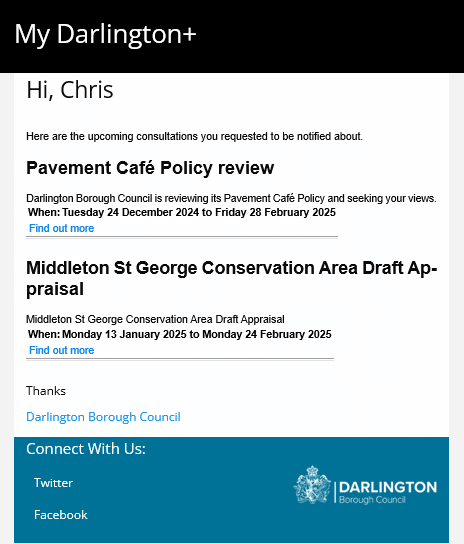
Get an alert for new consultations
You can now receive a weekly email listing all the new consultations that have been added to our website this week. All you need is a My Darlington+ account and to register for the types of consultation you'd be interested in receiving alerts for.
- Log into your My Darlington+ account
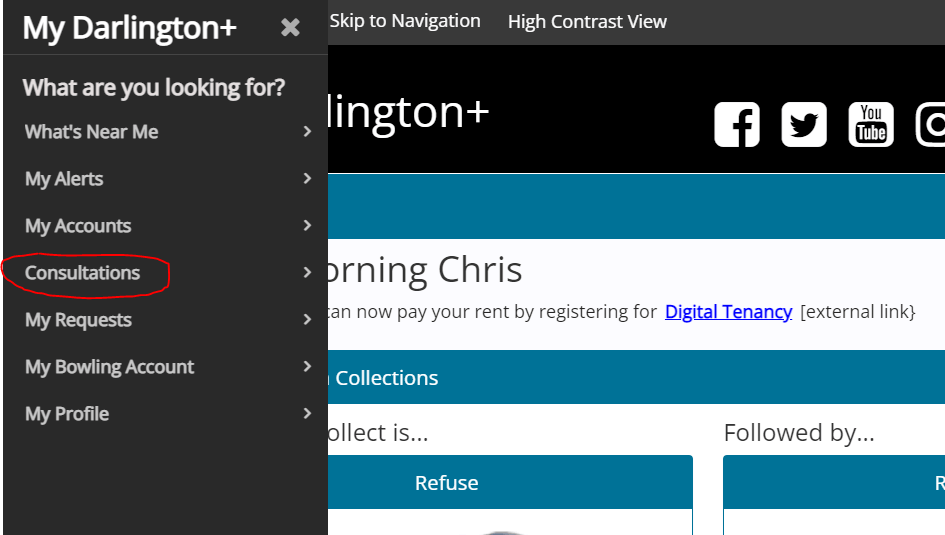
- Select the Consultations option from the navigation menu.
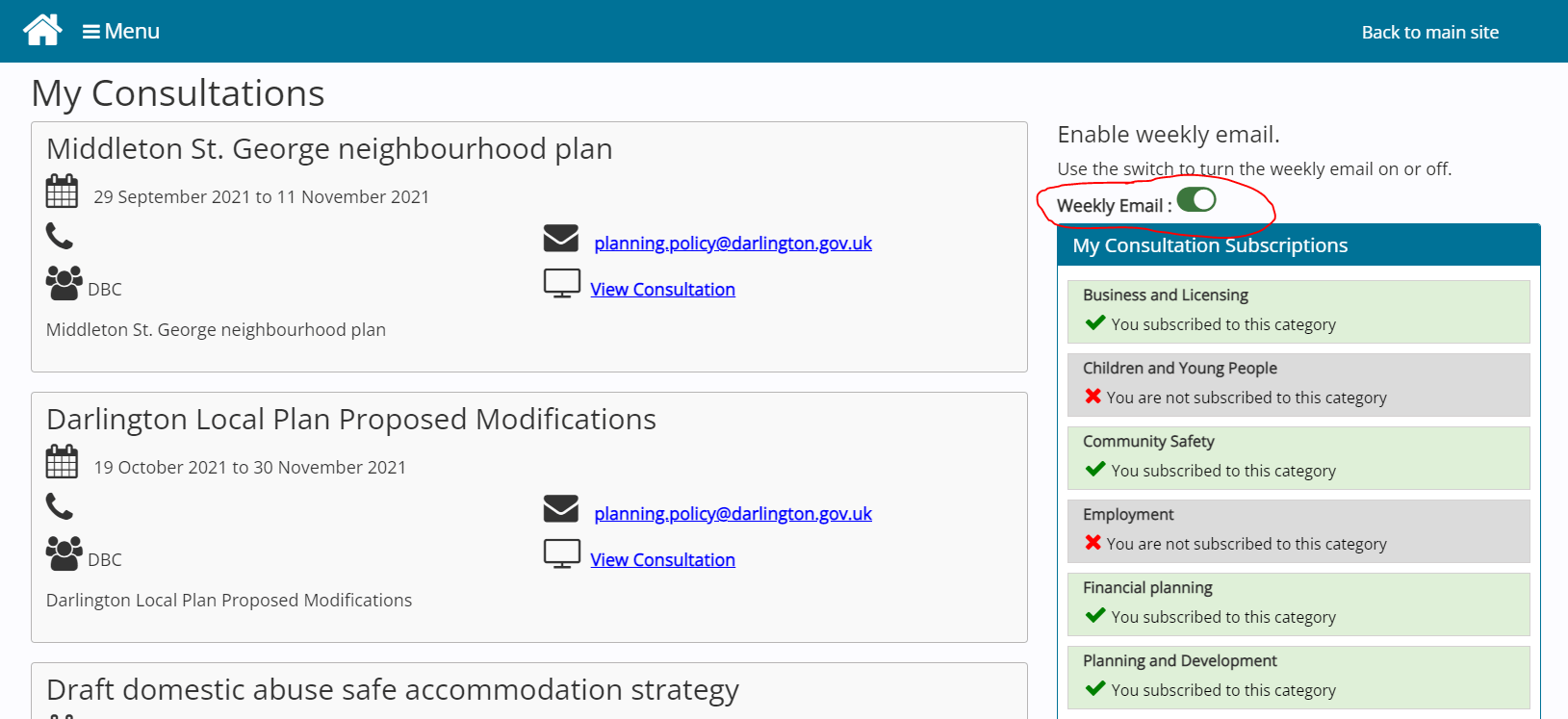
- Select the consultation categories you are interested in being notified about and switch on the weekly email button.
- You should now receive an email each week listing the new consultations that have been added to our site that are currently open. Please note - you will still receive an email if there are no matching consultations saying there are no matches this week.